To have SSL coverage on a domain that you have registered, as well as all of its subdomains, we offer the TrustCor Premium Wildcard DV SSL.
How to Purchase
You can visit No-IP.com and visit our SSL section.
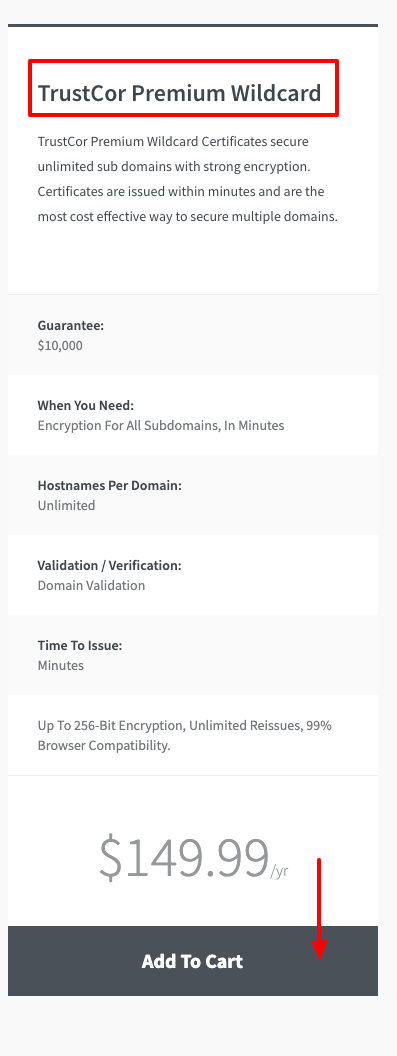
Here, select the RapidSSL Wildcard DV by clicking the Add To Cart button.
You can also upgrade from your No-IP account, by navigating to the SSL section and clicking the Add SSL Certificate Button.

This will add the RapidSSL Wildcard DV to your cart. Click the Continue to Checkout button to proceed.

Where to find the RapidSSL Wildcard DV
Once checkout is completed, your RapidSSL Wildcard DV will be automatically added to your account.
You can find the RapidSSL Wildcard DV in your No-IP account by clicking My Services at the left, then SSL Certificates.

More Information
More information about SSLs, CSRs and common server types can be found in our Knowledge Base.